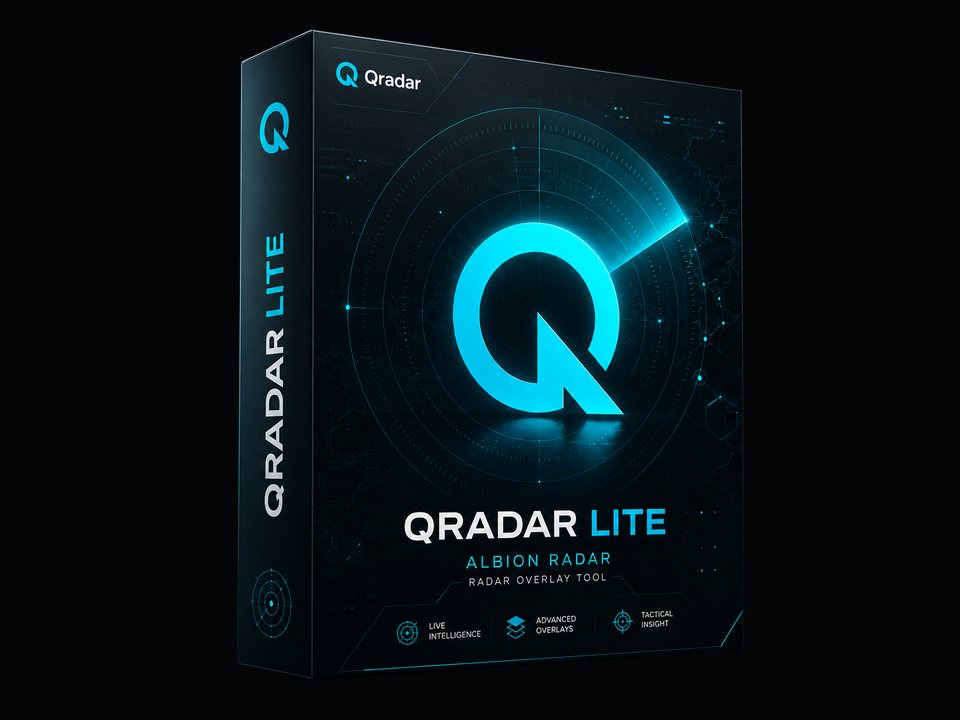
Qradar 1 Month
Best if you want to check setup, compatibility, and daily workflow before choosing a longer plan.
Compare plan length, product price, compatibility, and purchase checks before you buy Albion Online Radar. Every plan unlocks the same feature set; only access time and discount change. Review refund, setup, support, and update expectations before checkout.
Shorter plans are useful for testing fit. Longer plans reduce the effective monthly cost.
Best if you want to check setup, compatibility, and daily workflow before choosing a longer plan.
A regular-use option for players who already know the radar fits their Albion Online routine.
A mid-term plan for longer gathering, Mists, dungeon, and open-world scouting sessions.
Annual access for players who want fewer renewals and a lower effective monthly cost.
The highest listed discount for users who want long-term access after confirming fit.
The public page shows prices first. Checkout happens after account registration.
Compare price, discount, and access length without logging in.
Use Discord before buying for setup, support, or compatibility questions.
Create an account, choose your Qradar plan, then download the program from the account download page.
Watch the installation tutorial and follow setup. First launch usually takes up to 15 minutes.
Use these checks before checkout so the plan, device requirements, and support expectations are clear.
Refunds are available if the program does not launch or is not compatible with your device. Refunds can still be reviewed after activation, except for activation codes bought from third-party reseller sites.
Supported setup: Windows 10, Windows 11, all current Albion Online servers, Steam client, and the standard Albion Online launcher. Linux, macOS, virtual machines, and custom clients are not supported.
After purchase, download the program from the account download page, watch the installation tutorial, and follow the setup flow. First launch usually takes up to 15 minutes.
Discord and a USB drive or pendrive may be required for setup. Ask support before checkout if you are unsure about your device or installation flow.
After major Albion Online updates, the radar is usually disabled for 3-5 hours while compatibility is updated. Support is handled 24/7 in English by the Qradar Team on Discord.
The application is described as not collecting or storing customer data. It cannot show invisible players, and no third-party Albion Online tool can honestly promise zero risk.
The public FunPay profile for Qradar currently shows a 4.5 / 5 product rating and 89 reviews in the last three years. Reviews are external and can change, so use the live profile for the newest buyer feedback before purchase.
The reviews include positive transaction notes, but some buyers also mention update or feature expectations. That is why compatibility and support checks are shown before checkout.
89 public reviews in 3 years, shown on the external FunPay profile.
Source: FunPay Qradar profile
"Don't be afraid to buy."
Public FunPay buyer note from an Albion Online order.
"fast and trusted"
Buyer feedback focused on transaction speed and trust.
"It's all good. You can trust this seller."
Public FunPay review highlighting seller trust.
"Best of the best!"
Short public FunPay review from an Albion Online buyer.
Qradar plans include the complete Albion Radar overlay feature set of nearby players, mounts, distance, carried items, resources, mobs, chests, Mist content, dungeon context, alerts, filters, ignore lists, and Windows configuration support. The app cannot show invisible players and cannot be described as risk free.
Ask the Qradar Team on Discord before registering if you need compatibility, setup, refund, or support confirmation. Support is available 24/7 in English.
These answers cover the main compatibility, setup, update, support, privacy, and limitation checks.
Yes. Refunds are available if the program does not launch or is not compatible with your device. Refunds can still be reviewed after activation, except for activation codes bought from third-party reseller sites.
Albion Radar supports Windows 10, Windows 11, all current Albion Online servers, the Steam client, and the standard Albion Online launcher. Linux, macOS, virtual machines, and custom clients are not supported.
After purchase, download the program from the account download page, watch the installation tutorial, and follow the setup flow. First launch usually takes up to 15 minutes. Discord and a USB drive or pendrive may be required.
After major Albion Online updates, the radar is usually disabled for 3-5 hours while compatibility is updated and checked. Current status is posted on Discord.
Support is handled by the Qradar Team on Discord. Support is available 24/7 in English for setup, compatibility, and purchase questions.
The application is described as not collecting or storing customer data. Use the website account and payment flow only through the official Albion Radar website.
No. The overlay is limited by information available to the client and cannot show invisible players or server-side information.